

Logitech Rally Camera
Experience Exceptional Telehealth Video Quality with Logitech Rally Camera
With its premium design and Ultra-HD imaging system, the Logitech® Rally Camera leads the way in standalone video cameras for healthcare settings. Equipped with advanced optics and cutting-edge technology, the Rally Camera delivers exceptional performance for telehealth consultations, medical training, and remote patient monitoring. Featuring whisper-quiet Pan/Tilt/Zoom controls, a razor-sharp 15X HD zoom, a wide 90° diagonal field of view, and a powerful 4K sensor, it ensures every patient, medical professional, and detail is captured with outstanding video quality.
Crystal-Clear Telehealth Video with Ultra-HD Imaging


Rally Camera
| Diagonal Field of View | 90° |
| RightSight Auto Framing | Yes |
| Full HD Video (1080p30) | Yes |
| Ultra HD Video (4K) | Yes |
| Wide Dynamic Range (WDR) | Yes |
| HD Zoom | 15x |
| Pan | Tilt | ±90° | +50° / -90° |
| Lens Movement (Speed) | Horizontal, Vertical, & Diagonal (70°/sec, adaptive) |
| Invertible Mount | Yes |
Related products


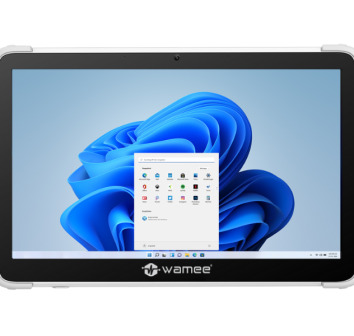
Medical Computer/Tablet | 373T/MD
- 17″ capacitive touchscreen
- Built-in front and back cameras
- Intel Core processor
- Antimicrobial enclosure
